
Weekly Timer on a Mold Temperature Controller
The TMC Series lists a programmable weekly timer for scheduled starts and stops. Learn what to verify on the controller and in your operating procedure.

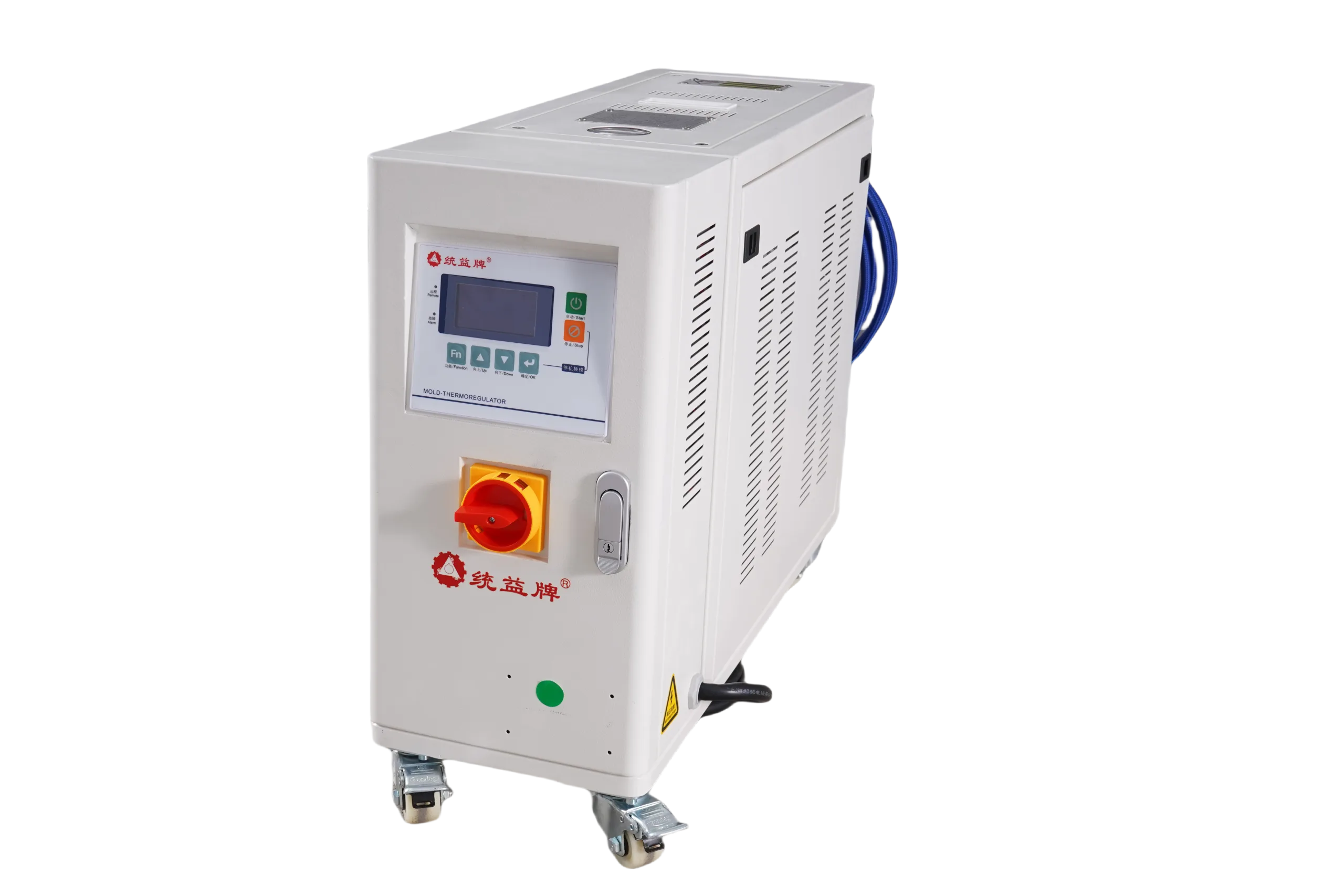
The TMC Series product page lists a programmable weekly timer for automatic start and stop scheduling. A schedule does not guarantee that a mold will reach its target temperature by a particular time; confirm the available settings and follow the site operating procedure.
What does a weekly timer actually do on a molding floor?
A programmable schedule can be set around planned operating hours. Confirm how the actual controller handles start and stop times, interruptions, alarms, and manual operation before relying on a schedule.
A weekly timer can reduce the need for manual schedule entry, but any effect on labor, first-shot conditions, or energy use depends on the site schedule and process. Verify those outcomes locally rather than assuming them from the feature listing.
How should you set the weekly timer to match your shift schedule?
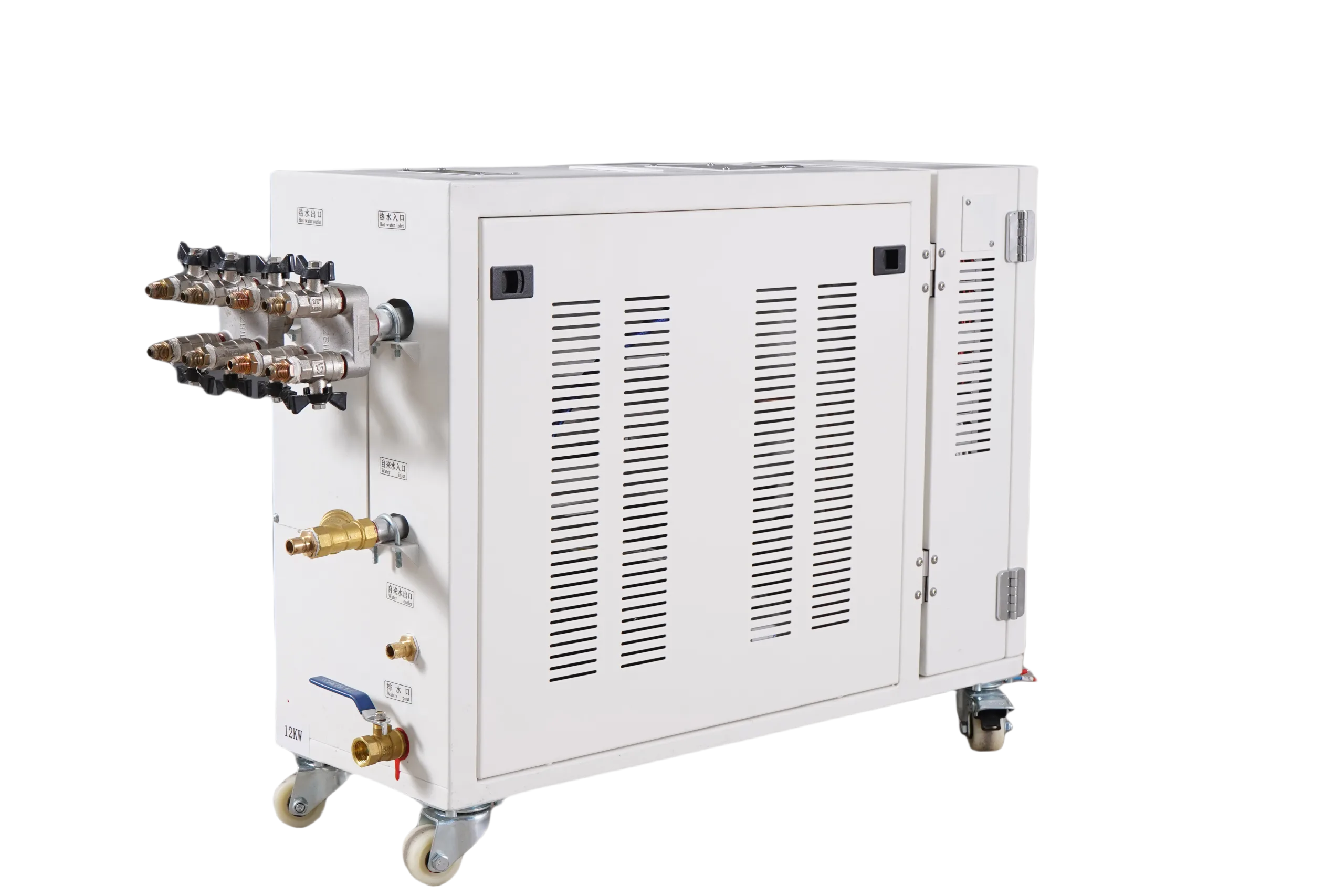
Start from your plant’s operating calendar, not from the controller’s default settings. A practical sequence looks like this:
- Confirm which days each molding cell actually runs, including partial shifts and planned overtime.
- Set the start time so the controller finishes bringing the mold to setpoint shortly before the first shot — the warm-up time depends on your mold size, media type, and setpoint, so time it on the floor rather than guessing.
- Set the stop time to match the end of production, or follow your site’s documented shutdown procedure if it calls for a controlled cool-down before power-off.
- Program different schedules for weekday and weekend patterns if your controller interface supports them, and confirm what the display shows for each day.
Always walk through one full scheduled cycle — an automatic start and an automatic stop — and watch what the unit actually does before relying on the schedule unsupervised. Menu layouts and timer options vary between controller generations, so treat the panel in front of you as the source of truth, not the manual for a different model.
Weekly timer versus manual operation: which should you use?
Both approaches have a place. Use this comparison to decide where the timer adds value and where manual control still makes sense:
| Factor | Weekly timer operation | Manual operation |
|---|---|---|
| Shift startup | Mold at temperature before operators arrive; no waiting at the press | Requires someone to power up early and monitor warm-up |
| Off-hours and weekends | Unit shuts down on schedule, avoiding unattended running | Depends on operators remembering to shut down |
| Changing production calendar | Schedule must be edited whenever shifts or holidays change | Easier to adapt on the fly to short-notice changes |
| Troubleshooting and trials | Not ideal — tests need direct control | Preferred for mold trials and process development |
| Consistency across shifts | Identical startup every programmed day | Varies by operator and shift |
A site may use scheduled operation for routine production and manual control for trials or maintenance, depending on its procedures. Confirm the appropriate operating mode with the equipment manual and plant team.
What should operators verify before trusting the schedule?
A schedule that looks correct on screen can still fail in practice. Build these checks into your startup routine:
- Confirm the controller’s clock and day-of-week are set correctly, especially after a power outage or daylight saving change.
- Verify that the timer’s start and stop days cover your real production days, including any Saturday runs.
- Check that alarms or interlocks will not prevent a scheduled start — for example, a faulted unit may not respond to the timer as expected.
- Coordinate with maintenance: a unit locked out for service should not be restarted by the timer.
Document the agreed schedule in your site’s standard work or equipment log so every shift knows what the controller is expected to do and when a deviation signals a problem.
Where does the weekly timer fit when selecting a temperature controller?
If scheduling matters to your application, ask whether the weekly timer supports the days and start/stop times you need, how it behaves after a power interruption, and how it interacts with alarms. Confirm the answers on the actual unit during commissioning.
What is the next step for your plant?
If you run TMC Series units, review the current timer settings against your production calendar this week and correct any drift between the schedule and actual shift patterns. If you are sourcing new controllers, include automatic weekly scheduling in your specification and request a short walkthrough of the timer interface with your supplier before delivery. A one-hour review of settings and procedures typically prevents most of the surprises — missed starts, weekend running, and clock errors — that show up after installation.
Frequently asked questions
Does the weekly timer work after a power outage?
Behavior after a power interruption depends on the controller design. Some units retain the schedule and clock; others may need the time and date re-entered. Test this during commissioning and make clock verification part of your post-outage restart checklist.
Can different schedules be set for weekdays and weekends?
Many programmable controllers allow day-by-day scheduling, but the exact number of programs and supported patterns varies by model and interface. Verify on your actual unit which days can be programmed independently before building a two-tier weekday and weekend schedule.
Should the timer handle shutdown or just startup?
Use it for both if your site procedures allow a direct scheduled stop. If your shutdown procedure calls for a controlled cool-down or operator confirmation first, keep the stop manual and use the timer only for the morning start.
How do I coordinate timer settings across multiple controllers?
Set every controller in a cell to the same calendar and document the schedule in standard work. During daylight saving changes and holiday weeks, review all units together so presses and their temperature control units start in the correct sequence.
See the Water Type Mold Temperature Controller TMC Series page for the published model specifications.
Last updated: October 30, 2026